
- All remotes (—all) fetches from every registered remote.
Turning it on replaces the remote dropdown with the plain text
all remotes. - Tags (—tags) also fetches tags from the remote.
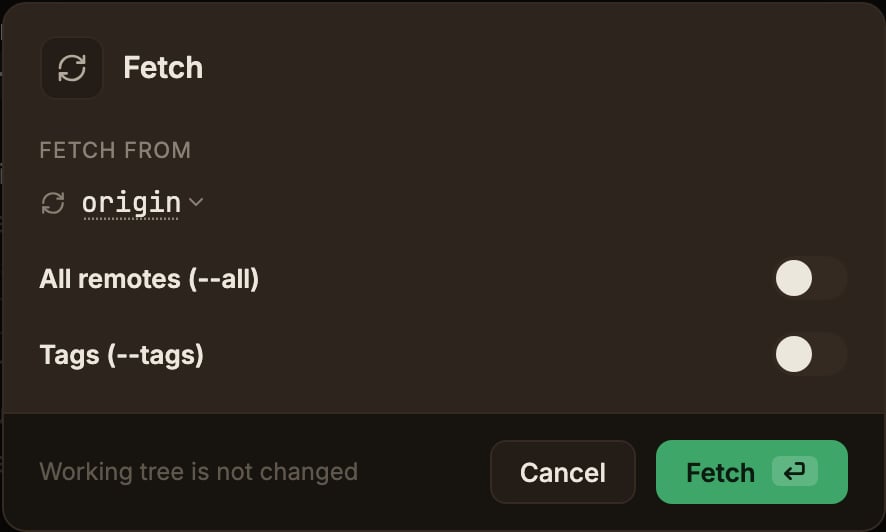
Fetch always runs prune alongside it, clearing out stale
origin/* tracking refs for branches deleted on the remote (local tags are not deleted).
To prune a single remote only, use Clean up branches deleted on remote in the Cleanup menu on the top bar (it only appears in the main worktree).
That dialog carries the same remote dropdown, so you can point it at any remote.Event-driven auto-fetch
ParalleLane fetches in the background at these moments:- when the app window regains focus
- when you switch worktrees or repositories
- right after launching the app or restoring a session
Auto-fetch shows no notification on success or failure, and it is skipped when you are offline or have no remote.
The prune and
--all/--tags settings follow the same rules as a manual fetch.