

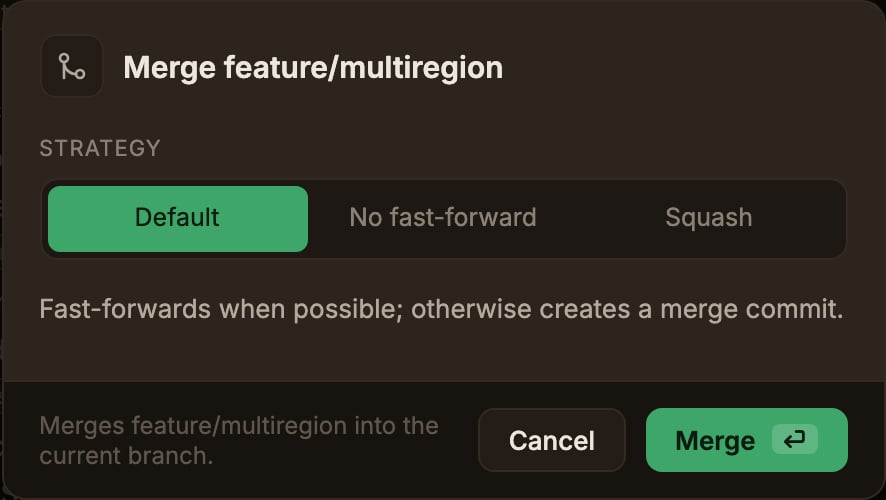
Default
Fast-forwards when possible; otherwise creates a merge commit.
No fast-forward
Always creates a merge commit, leaving a record of the merge point in the history.
Squash
Stages the combined changes without committing or moving HEAD.
Commit them yourself to finish.
- Already up to date means there is nothing to merge, so nothing changes.
- Merge complete means a fast-forward or a merge commit was created. Only in this case is Undo recorded.
- Squash complete means the changes are staged. Check them in the Working copy panel and commit them yourself to finish.
- Conflict is covered in When a conflict happens.
If the target commit is already included in the current branch, the merge item doesn’t appear.