
Rebasing onto a branch or commit
Right-click the target you want to rebase onto and choose Rebase current branch onto this (Rebase current branch onto this commit when the target is a commit), then click Rebase in the confirmation dialog.In the following two cases, the action is rejected before running and only an error notification appears.
- When tracked files have uncommitted changes, commit or stash them, then try again.
- When a merge, rebase, cherry-pick, or revert is already in progress, finish or abort it, then run the action.
Interactive rebase
1
Right-click the starting commit
Right-click the oldest commit among those you want to edit and choose Rebase interactively from here….
The commit you clicked is included too.
2
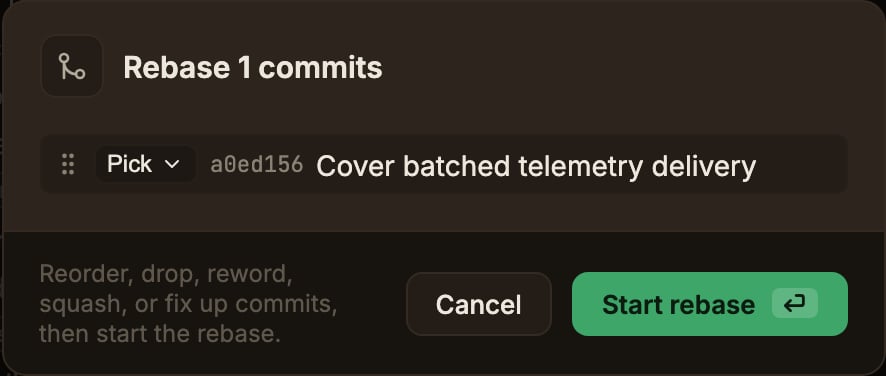
Edit the plan
Commits are listed oldest first.
Choose an action for each row, and drag the handle on the left to reorder them.
- Pick uses it as is.
- Reword edits the message inline.
- Squash combines it into the commit above (the combined message is editable).
- Fixup combines it into the commit above but discards its message.
- Drop removes the commit.
3
Run it
Click Start rebase.