> ## Documentation Index
> Fetch the complete documentation index at: https://docs.parallelane.com/llms.txt
> Use this file to discover all available pages before exploring further.
# Introducing ParalleLane
> The user guide for ParalleLane, a fast and friendly desktop Git client
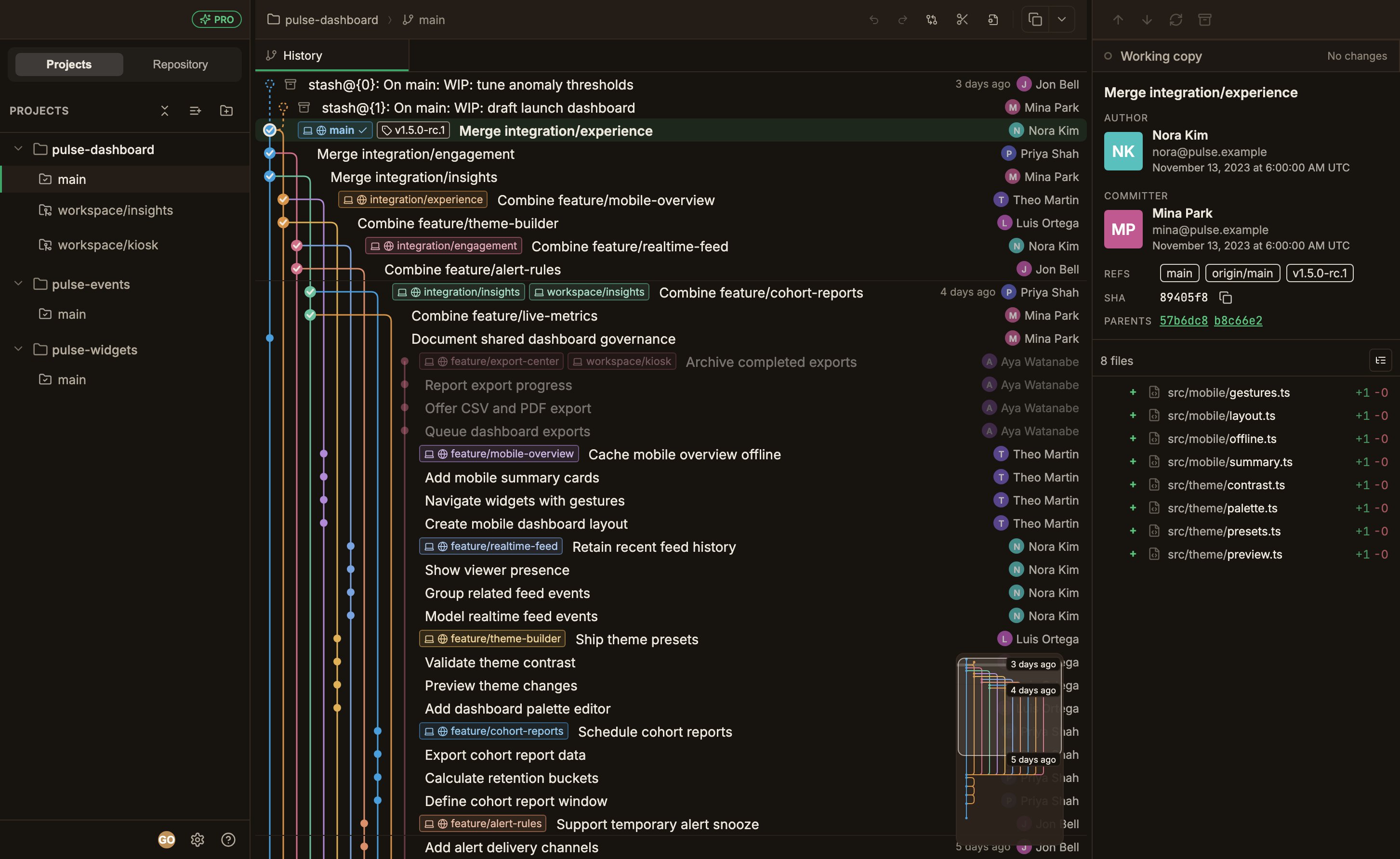
ParalleLane is a desktop Git client for people who work across several repositories and worktrees at once.
It is a lightweight native app built around the commit graph and worktree management.
 ## Highlights
Even repositories with many commits open instantly, and scrolling never stutters.
Check out several branches into separate folders and switch between them from the sidebar.
Built with Tauri for blazing fast performance and low memory footprint.
Starts fast from a small binary and restores your last working state.
Handle commits, branches and tags, remote syncing, conflict resolution, diffs, and blame, all inside the app.
Write operations run through your system's `git` command. Git must be installed on your computer.
See [Installation](/installation).
## Highlights
Even repositories with many commits open instantly, and scrolling never stutters.
Check out several branches into separate folders and switch between them from the sidebar.
Built with Tauri for blazing fast performance and low memory footprint.
Starts fast from a small binary and restores your last working state.
Handle commits, branches and tags, remote syncing, conflict resolution, diffs, and blame, all inside the app.
Write operations run through your system's `git` command. Git must be installed on your computer.
See [Installation](/installation).